Your Complete SEO Maintenance Checklist
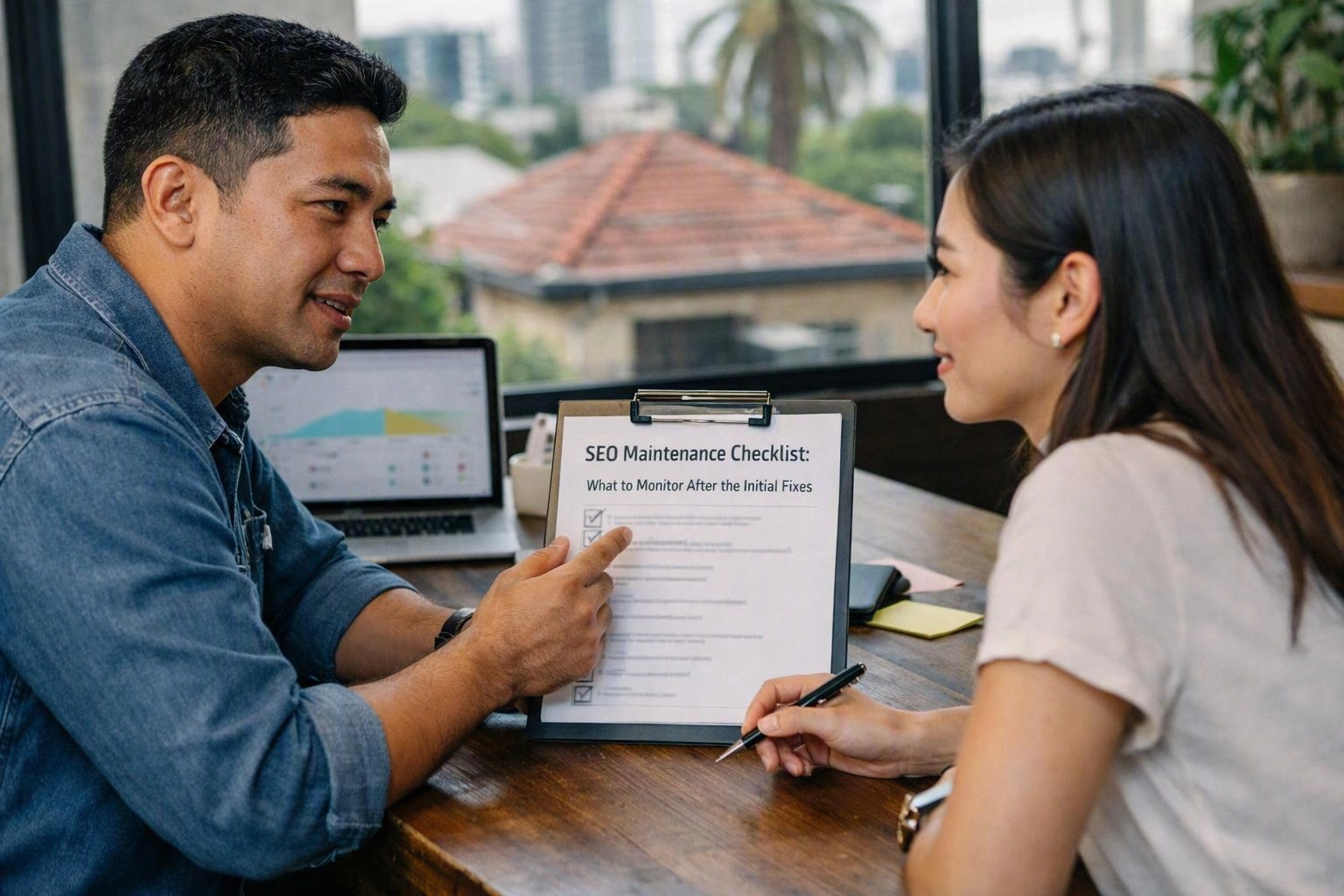
An SEO maintenance checklist helps you check your website after the first SEO fixes. It covers technical health, search visibility, content, links and conversions. Check Google Search Console weekly for indexing errors, manual actions, queries and changes. Fix broken links when you find them. Refresh key content when facts or search intent change. Complete a wider SEO audit each quarter or after major releases. Record every issue and rank it by impact. Make each fix, then check the result. This process helps protect rankings and improve the user experience.
What Is Included in an SEO Maintenance Checklist?
SEO maintenance checklist work includes regular checks for crawlability, indexation, rankings, traffic, links, speed, structured data, content and conversions. It also records website changes and sets clear priorities. Each fix should be checked after completion.
Technical SEO supports the rest of your work. Check if search engines can find and crawl key pages. Then review server responses, canonical tags, internal links and the XML sitemap. Broken-link checks can protect crawling and user journeys.
Review Google Search Console for queries, impressions, clicks and indexing warnings. Compare these details with Google Analytics, conversion tracking and enquiry data. Rankings can rise without helping your business. Organic traffic and conversion rate should guide your choices.
Content needs regular care as well. Check service pages, local landing pages, product details and helpful guides. Make sure they still match what people want to find. Small business websites can use a shared spreadsheet and monthly review.
Our team may support SEO Audits in South Brisbane when your business needs practical help. You can manage the plan in-house or with an SEO Agency. Each task still needs an owner and a recorded result.
Before You Start: Establish Your SEO Baseline
An SEO baseline records your website’s current results before maintenance starts. It includes rankings, indexed pages, clicks, impressions, conversions and crawl issues. This record helps you spot real changes and measure each fix.
Keep the baseline easy to repeat. Most small website reviews take 30 to 90 minutes. This applies when the data is already organised. Large catalogues and complex platforms need more time. Save the date, data range and source for each comparison.
During Each Review: Monitor Search and Technical Signals
Google Search Console should be checked weekly. Review clicks, impressions, queries, rankings, indexing exclusions, manual actions and security issues. Also check Core Web Vitals, crawl errors, XML sitemap status, robots.txt rules and server responses.
Use this order during each review. It helps you find key warnings early.
Separate real trends from normal changes. Each page type can show different results. Record the issue, likely cause, affected URLs and next action. Don’t react to one unusual day.
After Website Changes: Validate Every SEO Impact
Check your SEO after every website change. Review redirects, canonical tags, indexability, links, structured data, speed, forms and analytics. Compare the live site with the staging plan. Submit changed URLs when needed. Then watch Search Console for new problems.
Use this sequence after a redesign, platform update or website move:
Don’t rely on a successful deployment message. Production settings can hide missing files or tracking faults. Keep before-and-after data from analytics, Search Console and conversion tracking. Assign recovery work if clicks or conversions fall.
How Often Should SEO Audits and Content Updates Happen?
Most websites need a light SEO review each week. They also need a focused technical review each month. Complete a wider SEO audit each quarter. Update content when facts, products, rules, search intent or results change.
SEO audit timing should match your risk and rate of change. A small business can review key pages monthly. It can complete a wider audit each quarter. An online store with daily changes may need faster checks. Health, finance and rules-based content needs fact checks when guidance changes.
Use content decay reports to find pages losing clicks, impressions or conversions. Refresh the answer, examples, links, headings and calls to action. Service pages should stay clear and correct. Local landing pages should show current services. Product catalogues need stock and category checks. Helpful content needs fact and source checks.
Algorithm updates and seasonal demand can change results. They don’t always show a technical fault. Compare equal time periods and note website releases. Avoid large changes without a clear reason. Give each task an owner, due date, proof field and check status.
What to Track in Google Search Console Each Week?
A weekly Google Search Console review should cover clicks, impressions, click-through rate, average position, queries and pages. Check indexing status, Core Web Vitals, manual actions and security issues. Compare the latest period with an earlier equal period. Record each confirmed issue and action.
| Area | What to inspect | Useful response |
|---|---|---|
| Performance report | Clicks, impressions, queries, pages and average position | Compare periods and investigate meaningful changes |
| Indexing report | Excluded pages, errors and valid URL trends | Check causes on important affected URLs |
| Page Experience | Mobile usability and Core Web Vitals | Prioritise template and performance fixes |
| Security and actions | Manual actions and security issues | Escalate confirmed warnings promptly |
Save a short weekly note. Include the date, time period, finding, owner and next check. This creates a useful record. It also helps small teams focus on real issues.
Red Flags That Need Prompt SEO Attention
Start an SEO check when clicks or conversions fall sharply. Act when key pages leave the index or many URLs show errors. Check wider ranking falls across related pages. Also act on manual actions or security problems in Search Console.
Pause unrelated changes while you test the cause. Review recent releases, server logs, templates, links and tracking. Then choose the right recovery action.
Questions About SEO Agency
What Is Included in an SEO Maintenance Checklist?
It includes checks for crawlability, indexing, rankings, traffic, links, speed, structured data, content and conversions. It should also record changes, set priorities and check each fix.
How Often Should a Website Have an SEO Audit?
Most websites need a wider audit each quarter. They also need weekly checks and monthly technical reviews. Review sooner after a website move, major release, security event or large ranking change.
What Should I Monitor in Google Search Console Each Week?
Monitor clicks, impressions, click-through rate, average position, queries and affected pages. Also check indexing, Core Web Vitals, manual actions and security issues. Compare equal periods and record confirmed actions.
How Often Should SEO Content Be Updated?
Update content when facts, products, rules, search intent or results change. Service pages, product catalogues and regulated content often need closer checks.
How Do I Monitor Broken Links and Indexing Problems?
Use Search Console reports, crawl tools, server responses and checks of key user journeys. Record affected URLs, fix or redirect them, then confirm corrected pages can be crawled and indexed.
What SEO Checks Should Be Done After Website Changes?
Check redirects, canonical tags, indexability, links, structured data, speed, forms and analytics tracking. Compare the live release with staging. Submit changed URLs when suitable and monitor Search Console.
Need a clear plan for website maintenance? Our team can organise checks, record proof and rank fixes by business value.
Get a Free EstimateRelated Resources
How Much Does SEO Cost in Brisbane?
SEO agency Brisbane cost
What It CostsHow Much Does Ecommerce SEO Cost in Australia?
ecommerce SEO agency cost
What It CostsEnterprise SEO Costs in Australia: What Large Websites Need
enterprise SEO agency cost
How It WorksHow Long Does SEO Take to Work? A Practical Agency Timeline
how long does SEO take to work