The Google Penalty Recovery Checklist Before You Attempt a Fix
A Google penalty recovery checklist checks why rankings fell. It shows which pages were hit and saves proof before changes begin. Check Google Search Console first. Compare traffic and visibility data next. Then review technical SEO, content and links. Fix the cause, test the site and submit a reconsideration request when ready. Keep a clear change log. Give Google reviewers short, useful proof. Don't rush into deletions, disavows or rewrites. First, rule out seasonality, indexing issues and normal ranking changes.
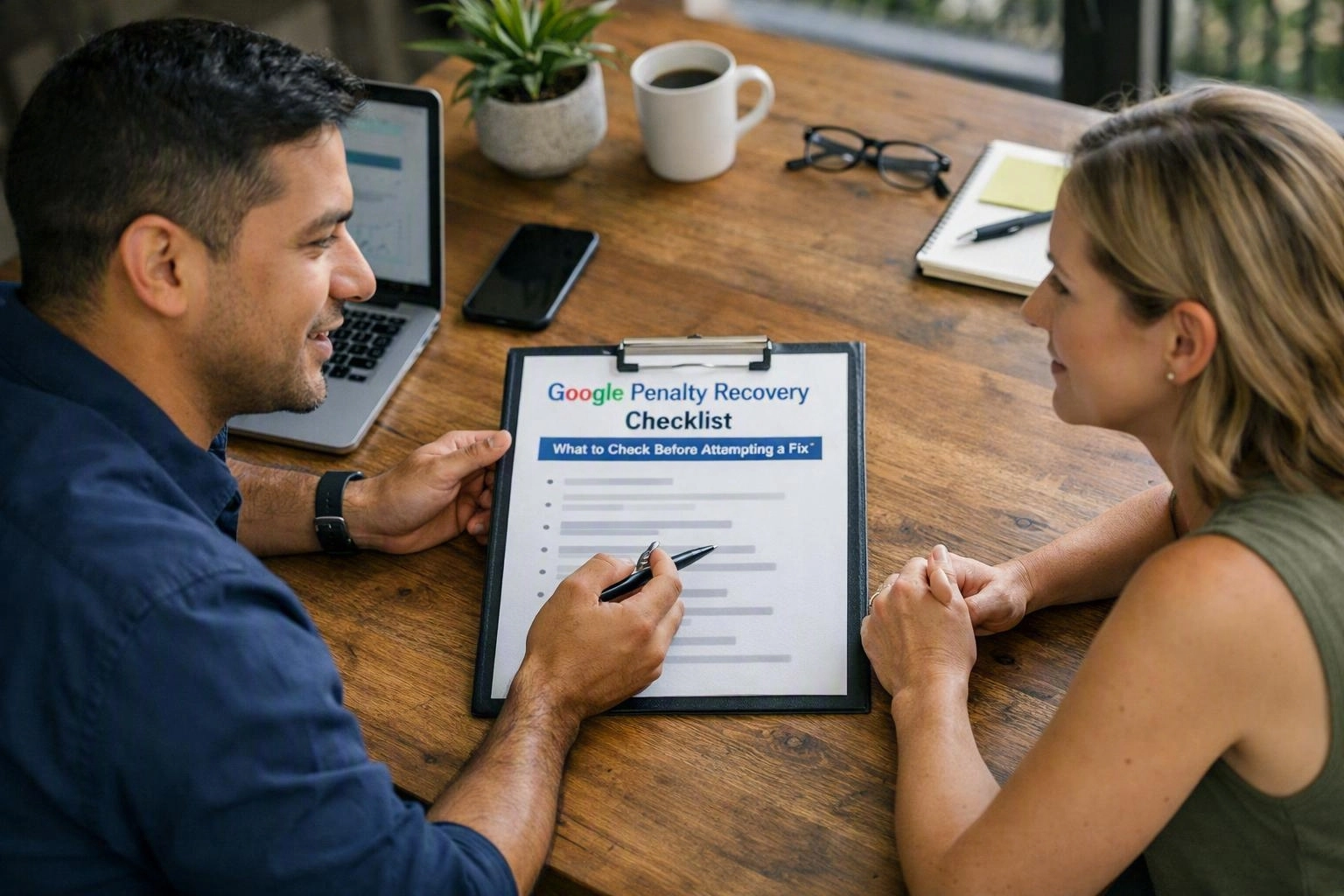
Google Penalty or Ranking Drop: What Is the Difference?
Google penalty recovery starts by finding the real cause. A manual action is different from a normal loss of visibility. Google issues a penalty when it finds a policy breach. A ranking drop can have many causes. These include algorithm changes, new rivals, technical faults and demand changes. Google Search Console confirms manual actions. It doesn't explain every ranking loss.
A manual action is a direct Google notice. It points to a possible breach of Google's spam policy. The notice may cover the whole site, some pages or one practice. Examples include unnatural links and misleading content. The notice gives you a place to start. Its examples may not list every affected URL.
An algorithmic ranking change works in another way. Google systems can reassess relevance, quality, page use or links. They may send no notice. Organic traffic can fall while the site stays indexed. Demand changes and seasonality can create the same pattern, so can rivals, search features, tracking errors or site outages.
Compare clicks, impressions, average position and conversions. Sort the data by page, query, device and country. A fall on one template may show a technical or content issue. A broad fall may need a wider review. Check Search Console with analytics, crawl data and server records. Don't treat one data source as proof.
Our team may use SEO Audits in South Brisbane for a local organisation. The same evidence-first method works for small and medium organisations elsewhere. Many teams have limited time and missing records. Save every useful export before making changes. A ranking loss needs checking. It doesn't prove a penalty exists.
Before You Fix Anything: Confirm the Scope of the Problem
Google Search Console is the first check before a penalty fix. Look for a manual action or security issue. Find the affected properties and URLs. Compare clicks and impressions over time. Check the pattern with analytics and crawl data. This helps prevent harmful site-wide changes.
Use this “before” stage to check search visibility. Give each check to one person. Save each result in a shared record. This helps when different teams control the site.
Most first checks take one to three working days. This estimate assumes useful records are available. Larger sites may need more time. Start with pages that bring leads or sales. Compare them with lower-value pages. This can reveal a useful pattern.
Use a Diagnostic Table to Match Symptoms with Likely Causes
A diagnostic table links each symptom with a cause you can test. Don't assume every visibility loss is a Google penalty. Check timing, URL patterns and Search Console evidence. Then review technical SEO, content, links and security.
This method turns a large worry into smaller checks. It also saves time. A broken deployment may be the real problem. Rewriting every page won't fix that.
| Observed symptom | Likely interpretation | Checks to perform | Evidence to retain |
|---|---|---|---|
| Manual Actions report contains a message | Google has found a policy issue that needs fixing | Read the violation type, affected scope and examples | Report export, affected URL list and remediation log |
| Traffic falls without a manual action | An algorithm change, technical fault, rival or demand shift may be involved | Compare dates, queries, devices, indexing, rivals and seasonality | Performance exports, crawl reports and change history |
| Many pages disappear from search | Crawl, indexing, canonical or security problems may exist | Inspect robots.txt, sitemaps, canonicals, noindex directives and URL Inspection | Before-and-after technical test results |
| A link-related manual action appears | Unnatural links or link tricks may break spam policies | Review link sources, anchor text, paid placements and past link work | Link audit, outreach records and removal or disavow rationale |
Use a technical SEO audit to check the site structure. Use a content audit to check page value. Use a backlink audit to check link signals. These checks work best together. A missing page may have a canonical issue. A page with falling clicks may face new search intent.
During the Audit: Find and Document the Root Cause
Content quality, technical SEO and links need one joined review. Connect each issue to affected URLs and proof. Check the site's history, templates and publishing steps. Small edits rarely solve a broad quality issue.
The “during” stage brings the right people together. An SEO consultant, site owner and suppliers can share the proof. Our SEO Consulting work follows this clear handover. A good audit shows what happened and who owns each fix.
Start with risky templates, content groups and link sources. Check pages that bring valuable leads early. Don't shield these pages from needed fixes. Use one change log for content, technical SEO, analytics and link work. This stops supplier tasks from clashing.
Red Flags That Make a Recovery Attempt Riskier
Recovery gets risky when teams make broad changes without proof. Mass deletion can remove useful pages. Automated rewriting can hide the real issue. A rushed disavow can remove helpful links. Repeated requests can show that the work isn't complete.
Pause if you can't link an action to a policy issue or test result. A careful plan may take longer. It protects useful pages and keeps the proof clear.
After Receiving a Manual Action: What Should You Do?
After receiving a manual action, read Google's notice first. Find the affected scope and policy issue. Fix the cause and record the work. Test sample URLs before sending one clear reconsideration request. Explain what happened and how it won't happen again.
This “after” stage isn't a quick rankings request. It's a careful fix based on Google spam policies. A site owner may lead the work. Other tasks may go to an SEO consultant, developer, editor or security specialist.
Check that Googlebot can access the fixes. Check that users can see them too. Keep exports, screenshots, crawl results and outreach records. Repeated early requests can make the case less clear. Send one request when the proof is complete.
How to Recover from a Google Penalty and Prove the Fix?
Google penalty recovery needs a policy fix and clear proof. Check the affected site areas. Then present the evidence in a reconsideration request. Recovery isn't certain or instant. Watch indexing, impressions, clicks and rankings after the fix. Keep a change log.
Corrective actions repair the current problem. Process changes help stop it returning. A page edit may fix weak content. An editorial check can stop the same issue appearing again.
Set priorities by risk and business value. Start with confirmed violations and affected templates. Then review valuable URLs, content groups and link sources. This is safer than changing every page at once.
A reconsideration result and ranking recovery are separate things. Google may accept the request while rankings stay low. Rankings still depend on relevance, rivals, quality and future crawling. Don't promise a fixed recovery date.
Keep checking Search Console, analytics, crawl access, indexing and page quality. Record deployments, removals, edits, tests and unusual changes. If an SEO Agency or supplier helps, share the evidence. Separate reports can conflict.
What Evidence Is Needed for a Reconsideration Request?
A reconsideration request needs proof of the investigation and fix. Include the affected scope, cause, actions, sample URLs and test results. Add link removal or disavow reasons when needed. Include dates and process changes that help prevent a repeat.
Keep the explanation short and factual. Reviewers need to know what happened and what changed. They also need to know why the fix is complete. Avoid sales language and blame.
State the manual action and affected scope in plain language. Explain how you found the cause. Summarise the fixes with sample URLs, screenshots, exports or audit notes.
Include link removal records when they matter. Add the reason for any disavow file. Show that fixed pages can be crawled and indexed. Explain new quality checks for content, technical work and suppliers.
Ask for a review after testing every fix. Confirm that users and Googlebot can access the changes. Add dates, URL groups and support files when Google's form allows them. Keep the main explanation easy to find.
Questions About SEO Agency
How Do I Check for a Google Manual Action?
Open the right property in Google Search Console. Then check the Manual Actions report. Save the message, date, violation type, scope and examples. Also check Security Issues, performance data, index coverage and URL Inspection. This helps separate a policy action from a technical fault or hacked content.
What Is the Difference Between a Google Penalty and a Ranking Drop?
A Google penalty usually means a documented manual action. It links to a policy breach. A ranking drop may come from an algorithm change, rival, seasonality, demand change, technical fault or indexing issue. Search Console confirms manual actions. It can't identify every cause of an algorithmic loss.
What Should I Do After Receiving a Manual Action?
Read and save the notice. Find the affected scope and stated Google spam policies. Fix the root cause and test sample URLs. Record the work and new prevention steps. Send one short reconsideration request after every fix is live and checked.
How Do I Recover from a Google Penalty?
Confirm the manual action and map its scope. Find the cause and fix the policy breach. Review content, technical SEO, security and links as needed. Keep proof in a change log. Test the affected areas and send a reconsideration request. Track rankings separately from the review result.
What Evidence Is Needed for a Reconsideration Request?
Provide the manual action, affected scope, investigation method and root cause. List completed fixes, sample URLs and technical tests. Add link removal records and disavow reasons when relevant. Explain the process changes that prevent a repeat. Confirm that users and Googlebot can access the fixes.
Need help organising evidence across content, technical SEO and links? We can review the diagnosis and set clear owners. We can also build a practical recovery plan. You won't need to rush high-risk changes.
Make an enquiryRelated Resources
How Much Does SEO Cost in Brisbane?
SEO agency Brisbane cost
What It CostsHow Much Does Ecommerce SEO Cost in Australia?
ecommerce SEO agency cost
What It CostsEnterprise SEO Costs in Australia: What Large Websites Need
enterprise SEO agency cost
How It WorksHow Long Does SEO Take to Work? A Practical Agency Timeline
how long does SEO take to work