Ecommerce SEO Audit Checklist for a Healthier Online Store
An ecommerce SEO audit finds problems that limit an online store’s visibility. Check crawling, indexing, site structure, product pages and category pages. Also check duplicate content, filters, internal links, structured data, page speed and mobile use. Rank each issue by search impact, business value and effort. Product and category pages need unique, useful content. Filter URLs should be indexed only when they match real search demand. Run another audit after fixes. This confirms that search engines can crawl, understand and rank your store.
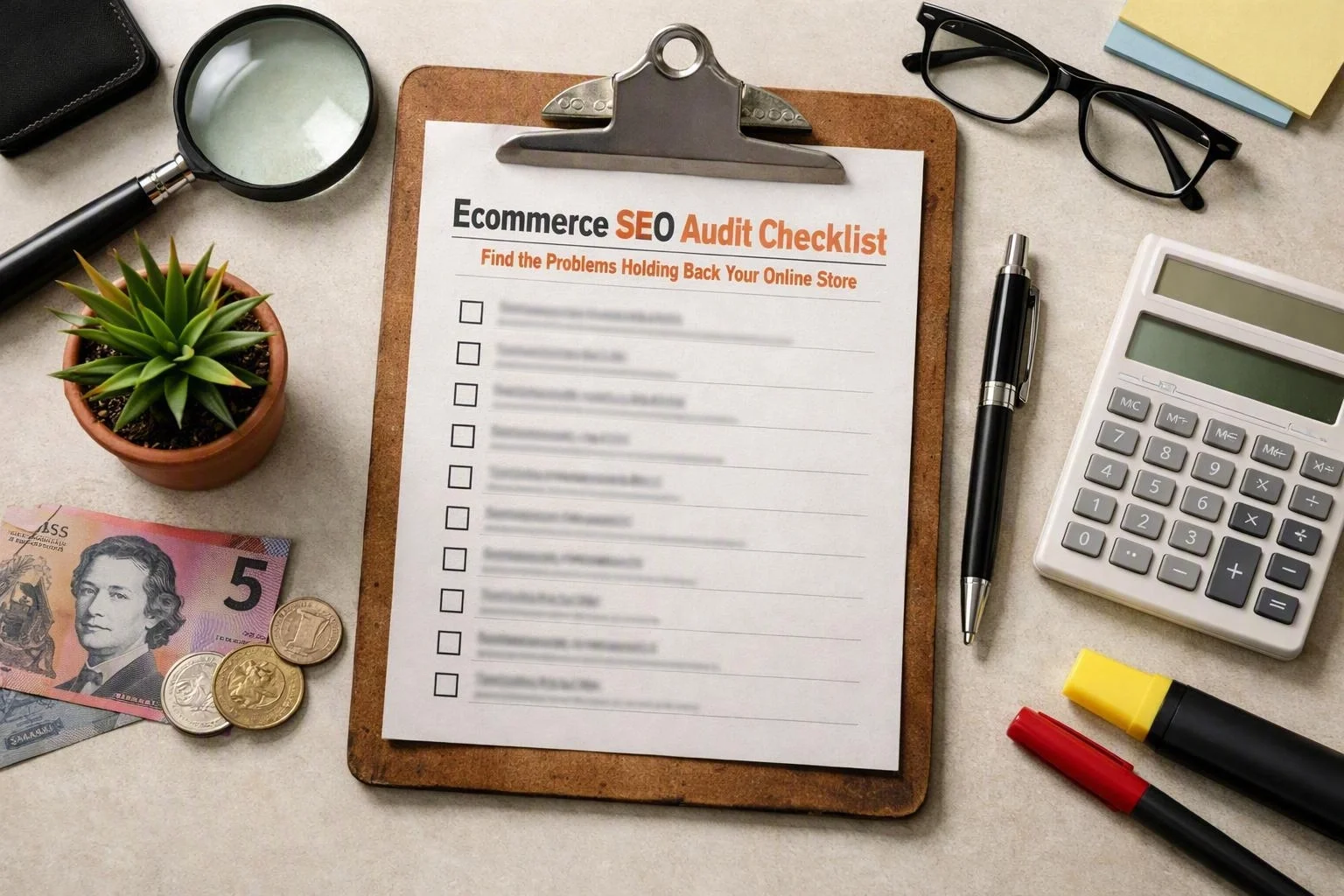
What Should an Ecommerce SEO Audit Include?
Ecommerce SEO audits cover technical SEO, crawling, indexing, site structure and page speed. They also cover mobile use, product content, category content, internal links, structured data and backlink health. Each issue should name the affected URLs, search need, business value, effort and test method.
A useful online store SEO audit is more than a list of warnings. It shows if search engines can find, understand and trust the website. It also shows if key pages can turn visits into sales. Large catalogues need clear sampling rules. Seasonal products and stock changes need checks that teams can repeat.
| Audit area | What to review | Commercial question | Validation method |
|---|---|---|---|
| Technical SEO | Crawl paths, rendering, redirects and performance | Can priority pages be reached quickly? | Crawl data and live URL tests |
| Indexation | Indexable templates, exclusions and duplicate URLs | Are valuable pages eligible to appear? | Search Console and index checks |
| Site architecture | Categories, products, breadcrumbs and internal links | Can users and crawlers discover key stock? | Link reports and manual review |
| Content | Titles, headings, descriptions, images and intent | Does the page help someone choose? | Keyword mapping and page comparison |
| Structured data | Product, breadcrumb and organisation information | Can search engines interpret page details? | Rich result and schema testing |
Record the URL type, template, issue, priority and owner. This helps marketing, merchandising, developers and customer service act on the audit. It stops the audit becoming a technical file that nobody uses.
Before the Audit: Define Scope, Goals and Evidence
Google Search Console, analytics, crawl data, rankings and conversion data set the starting point. First, define the store’s goals, URL scope, catalogue, key categories and available data. This helps separate real search problems from small warnings or normal platform behaviour.
Agree on success before collecting data. A store may need better organic visits, stronger category rankings or more sales. It may also need better visibility for seasonal products. Most audits take two to six weeks. The time depends on access, platform complexity and catalogue size.
Save a dated baseline of impressions, clicks, rankings, organic traffic, conversions and crawl data. Keep index coverage too. This helps the team judge results fairly after changes. Demand may change with seasons or stock.
During the Audit: Check Technical SEO and Site Architecture
Technical SEO checks show if search engines can find, crawl, render and index key URLs. Review robots.txt, XML sitemaps, status codes, canonicals and redirects. Check JavaScript, internal links, filters, mobile use and Core Web Vitals. Test key pages with live search tools.
Check rules at template and URL level. An ecommerce platform can create thousands of filter, tracking and variant pages. A template fix is often safer than editing pages one by one. Still, test products, categories, seasonal pages and unavailable stock.
Use live tests on key product and category pages after technical changes. Check rendered HTML, canonicals, index rules, links and structured data. Don’t rely on one crawler report.
Our team treats this as a technical ecommerce SEO audit. We link platform limits to URL types and repeatable tests. This helps when JavaScript, variants and filters make a basic checklist unclear.
How Do I Optimise Product and Category Pages for SEO?
Product pages and category pages gain more visibility when they match a clear search need. Each page should offer useful, original information. Improve titles, headings, descriptions, images, links, breadcrumbs and structured data. Category pages explain the range. Product pages help people compare and buy.
To answer “How do I optimise product pages for SEO?”, start with buyer questions. State what the item is and who it suits. Add key details, size, compatibility, delivery, stock and reasons to choose it. Use a clear title and heading. Don’t repeat the same terms again and again.
Write your own product description. Don’t copy a supplier feed. Explain features as benefits and show suitable uses. Add original images with accurate image alt text. Show price and stock clearly. Link to related products, accessories and the right category.
Product structured data can describe the name, image, brand, offers, stock and reviews. These details must appear on the page and stay accurate. Use BreadcrumbList structured data to show the path from category to product. Structured data helps search engines understand pages. It doesn’t promise rich results or higher rankings.
To answer “How do I optimise category pages for SEO?”, match each collection with a clear topic and shopping purpose. Use a useful title, heading and introduction. Explain how to choose products. Compare groups and link to key products and child categories. Don’t add a large text block above products if it makes shopping harder.
Category pages should help people who are still deciding. Add short buying tips, useful filters and questions about size or materials. Link to related collections. Category pages suit broad searches. Product pages suit searches for a specific item or model.
Review templates on desktop and mobile. Headings, content, prices, stock, reviews and links must be easy to use. An SEO Agency or in-house specialist can match these needs to platform templates. Merchandising and development teams must approve claims, stock rules and customer changes.
How Do I Fix Duplicate Product Descriptions?
Duplicate content is fixed with original product copy and a clear URL plan. Combine URLs that show the same product. Keep separate variants when they meet different searches. Use canonicals with care. Add useful details, uses, comparisons, FAQs or customer content.
First, find repeated copy across products, supplier feeds and variant URLs. Supplier text may be correct. Still, it gives shoppers and search engines little reason to choose your page. Rewrite high-value products first. Then create a simple brief for the wider range.
Good product copy answers questions before purchase. Cover fit, materials, compatibility, care, setup, limits, delivery and alternatives. Add useful facts and comparison details. Customer questions and reviews can add fresh views. They must be visible, checked and relevant.
Next, decide if each variant URL meets a separate search need. Colour or size choices may not need separate pages. Use a preferred canonical URL or another clear URL plan. A variant may need its own page when it has stock, demand and useful content.
Canonical tags are signals. They aren’t a replacement for clear site structure. Links, sitemaps, redirects and page content should support the chosen URL. Check again after feed updates. Platform changes can bring back copied text or new variant URLs.
After the Audit: Prioritise Fixes and Measure Recovery
SEO prioritisation ranks issues by search impact, page value, effort and risk. Fix issues in small batches. Record the expected result. Test templates and redirects. Then watch crawling, index coverage, rankings, traffic and conversions.
Start with errors that weaken valuable pages. A blocked category, wrong canonical or render failure can affect many URLs. A low-value filter warning may have little business effect. Separate key pages from old, thin and low-demand pages before using development time.
Recovery can take time. Demand, stock and competition can also change. Re-audit changed templates and compare new data with the baseline. Keep checking after catalogue, platform or seasonal updates.
Red Flags That Often Hold an Online Store Back
Common ecommerce SEO red flags include blocked pages, filter duplicates and soft 404s. Thin category content, orphan products, broken links and slow templates also cause problems. Check each warning at URL level. A platform issue may be harmless on one page but harmful on another.
Use a short red-flag check first. Then confirm each item with crawl data and live tests. Fix warnings that block customers or search engines from useful pages.
Should Ecommerce Filter Pages Be Indexed, and Why Are Store Pages Not Being Indexed?
Faceted navigation should create an indexable filter URL only when it meets real search demand. It also needs unique value, useful content and enough products. Otherwise, use a canonical, noindex rule or suitable crawl controls. Store pages may stay unindexed because of blocks, weak content, duplicate URLs, poor links, render errors or low value.
To answer “Should ecommerce filter pages be indexed?”, treat the filtered collection like a landing page. It needs a real search purpose, enough products and a stable URL. It also needs useful copy and internal links. A valuable filter may deserve indexing. Empty or near-identical filters usually don’t.
Don’t use crawl budget as the only reason to control filters. Index bloat can hide the pages that matter. It can also weaken internal signals and create duplicate content. Check URL rules, parameters and links before choosing a rule. Use a canonical for duplicate versions. Use noindex when a page may be crawled but shouldn’t stay in search. Robots.txt blocks crawling, but known URLs may remain listed.
To answer “Why are my online store pages not being indexed?”, check Google Search Console for the exact reason. Review robots.txt, meta rules, canonicals, status codes, sitemaps, links and rendered content. Make sure the page works for users. It must offer useful information and not copy another URL.
Large catalogues need an ongoing process. New products, seasons, stock changes and discontinued items can create problems each week. Add rules to templates and feeds. Sample new, valuable, out-of-stock and filtered pages after releases.
SEO for E Commerce should balance discovery with buyer intent. Give strong signals to profitable product and category pages. Keep empty collections, thin pages and low-value filters out of search when suitable. Test each change, then recrawl and monitor indexing.
Questions About SEO Agency
How Long Does an Ecommerce SEO Audit Take?
Most projects take two to six weeks. Time depends on catalogue size, platform complexity, access and templates reviewed. A small shop may need less time. A large catalogue needs more sampling and testing.
What Is the Most Important SEO Factor for Ecommerce Websites?
The key factor is making valuable pages easy to find, index and use. Technical access matters. Product content, category content, site structure, links and shopping ease must work together.
How Often Should an Online Store Have an SEO Audit?
Run a full review at least once a year. Run smaller checks after migrations, template releases, catalogue imports or menu changes. Stores with frequent stock and seasonal changes need regular checks.
How Can I Check if My Ecommerce Website Is Indexed by Google?
Use Google Search Console to inspect URLs and review indexing reports. Compare sitemap URLs with indexed pages. Check the canonical, directives and page text. No single search confirms the whole site.
Are Product Reviews Good for Ecommerce SEO?
Useful, genuine reviews can improve a product page. They add original experiences and answer buyer concerns. Reviews don’t replace accurate product details. Review data must match visible content and search rules.
A structured audit turns findings into clear page and search decisions. Our team can review the data, explain priorities and plan checks for your platform.
We can discuss Ecommerce SEO in South Brisbane when it suits your project. The same audit steps work for online stores anywhere.
Related Resources
How Much Does SEO Cost in Brisbane?
SEO agency Brisbane cost
What It CostsHow Much Does Ecommerce SEO Cost in Australia?
ecommerce SEO agency cost
What It CostsEnterprise SEO Costs in Australia: What Large Websites Need
enterprise SEO agency cost
How It WorksHow Long Does SEO Take to Work? A Practical Agency Timeline
how long does SEO take to work