Tools used for local SEO optimisation in South Brisbane
SeoAgencyBrisbane uses professional and consumer local SEO tools to optimise Google My Business, manage citations, and boost local search rankings in South Brisbane.
Overview: why the right tools matter for South Brisbane local SEO
Choosing the right tools directly improves local search visibility in South Brisbane. Local businesses face strong local search intent from "near me" searches and category queries. Tools let you test how Google My Business entries, local citations and Maps signals behave. Use diagnostics to spot NAP consistency issues, monitor review management and check local schema (Schema.org) on pages. The practical payoff is clearer: better local relevance, more accurate Google Maps ranking signals, and measurable lifts in local rank tracking. A toolset covers both on-site structured data and off-site citation building, while analytics and Google Search Console supply site-level diagnostics. Citation tools and citation building platforms maintain local listings and enforce NAP consistency across directories. Google My Business utilities and GMB optimisation utilities improve your Google Business Profile and influence Maps ranking factors through photos, reviews and posts. Analytics platforms and Google Search Console supply site-level diagnostics and conversion tracking so you can attribute results. Use structured data and local schema (Schema.org) to make your address, opening hours and service area explicit to search engines. When combined, these SEO tools reduce guesswork and make local optimisation measurable for South Brisbane businesses.
Setup checklist: how to configure tools for South Brisbane optimisation
Follow these setup steps to ensure your tools are configured to reflect South Brisbane local search needs.
- Claim and verify your Google My Business listing and confirm the service area and categories are correct; link it to your business email and set owner-level access.
- Run a BrightLocal or similar citation audit and export a master list; fix duplicates and update entries to enforce NAP consistency across listings.
- Install Google Search Console and link it to Google Analytics; submit an XML sitemap and inspect key landing pages for indexing and structured data issues.
- Implement local schema (Schema.org) on contact and service pages, including address, geo-coordinates and opening hours, then validate with rich results testing tools.
- Configure a local rank tracker to monitor keywords by suburb and postcode, set scheduled reports and enable SERP feature detection for Maps and local packs.
- Set up conversion tracking for calls, form submissions and booking actions in analytics; tag local campaigns and measure return on investment.
- Connect a review management tool to capture and respond to reviews quickly; set alerts for negative feedback to protect Google Maps ranking signals.
- Document the baseline metrics and schedule weekly or monthly audits to keep citations, schema and GMB data consistent over time.
Google My Business and Maps-specific tools and workflows
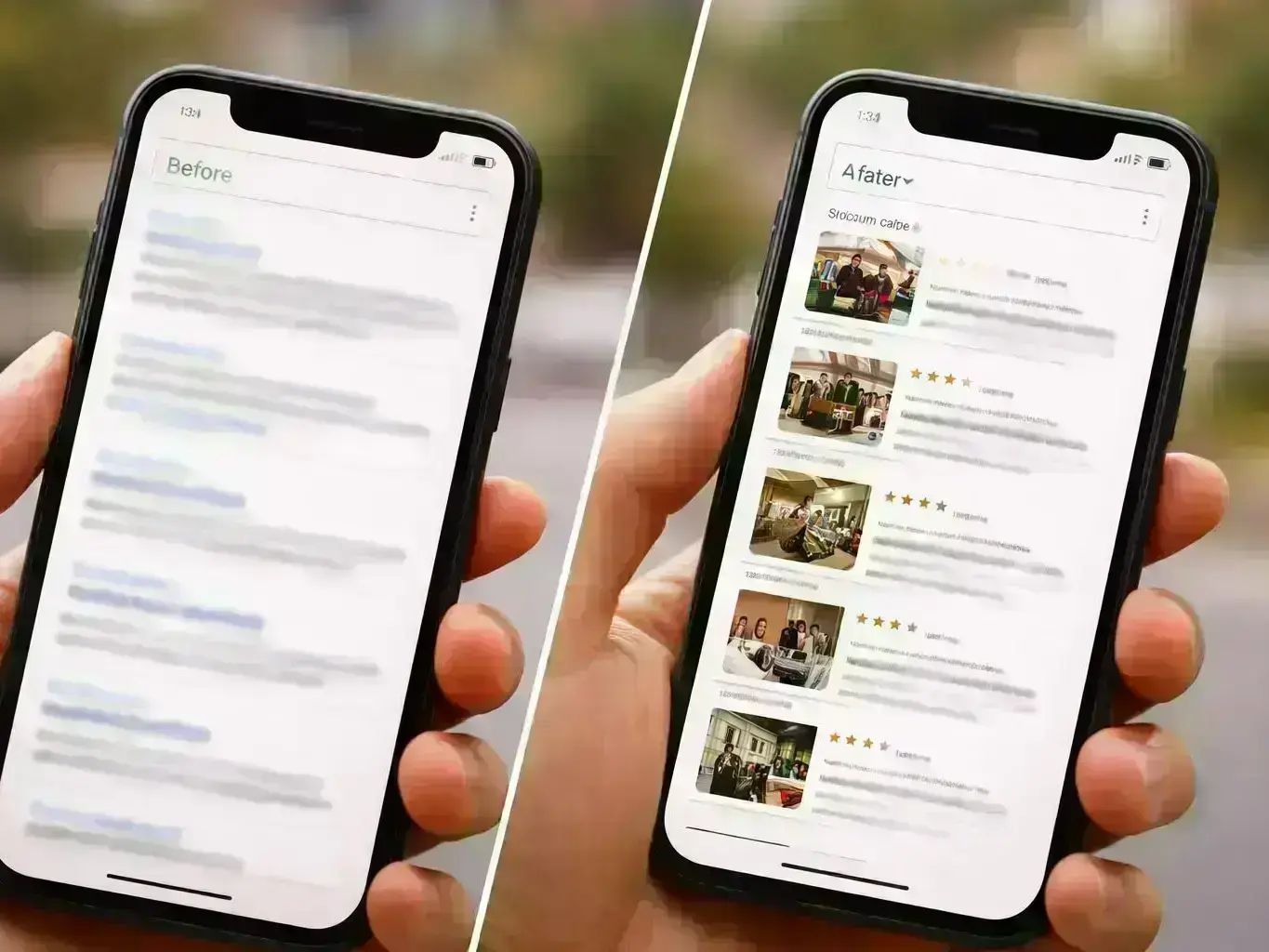
Use dedicated GMB workflows to keep your Google Business Profile optimised for Maps ranking factors. Regularly update your Google My Business profile with posts, accurate categories and service descriptions. Use Maps testing tools to compare listing visibility across different South Brisbane suburbs and to check local pack appearances. Monitor and collect reviews, respond to them promptly and flag spam or incorrect listings. Test photos and attributes to see what influences engagement. Combine GMB data with a rank tracker to correlate profile changes with shifts in Google Maps ranking. These workflows focus on the direct signals that affect local search and Google Maps ranking factors.
Analytics, reporting and demonstrating ROI for South Brisbane clients
Show ROI by connecting local rank reports to conversion tracking and clear, city-focused KPIs. Start each report with baseline metrics from your rank tracker and citation audit, then layer on conversion data from Google Analytics and call tracking. Use Google Search Console to highlight site-level improvements like increased impressions for local queries and fewer indexing errors after schema fixes. Local rank reports should include trends for "near me searches", Maps visibility and SERP feature presence. For client reporting, present typical ranges (illustrative) such as traffic increases or citation recoveries instead of exact promises. Tie improvements to business outcomes: more calls, bookings or foot traffic. This audit-ready approach makes it straightforward to prove the value of tools like BrightLocal, a rank tracker and Google My Business workflows for South Brisbane campaigns.
Frequently Asked Questions
SeoAgencyBrisbane uses a practical, audit-ready toolset: BrightLocal for citations and local reports, Google Search Console for diagnostics, a robust rank tracker and Google My Business workflows to improve local search performance in South Brisbane—Tools for Local SEO optimisation used by SeoAgencyBrisbane to improve local search performance in South Brisbane.