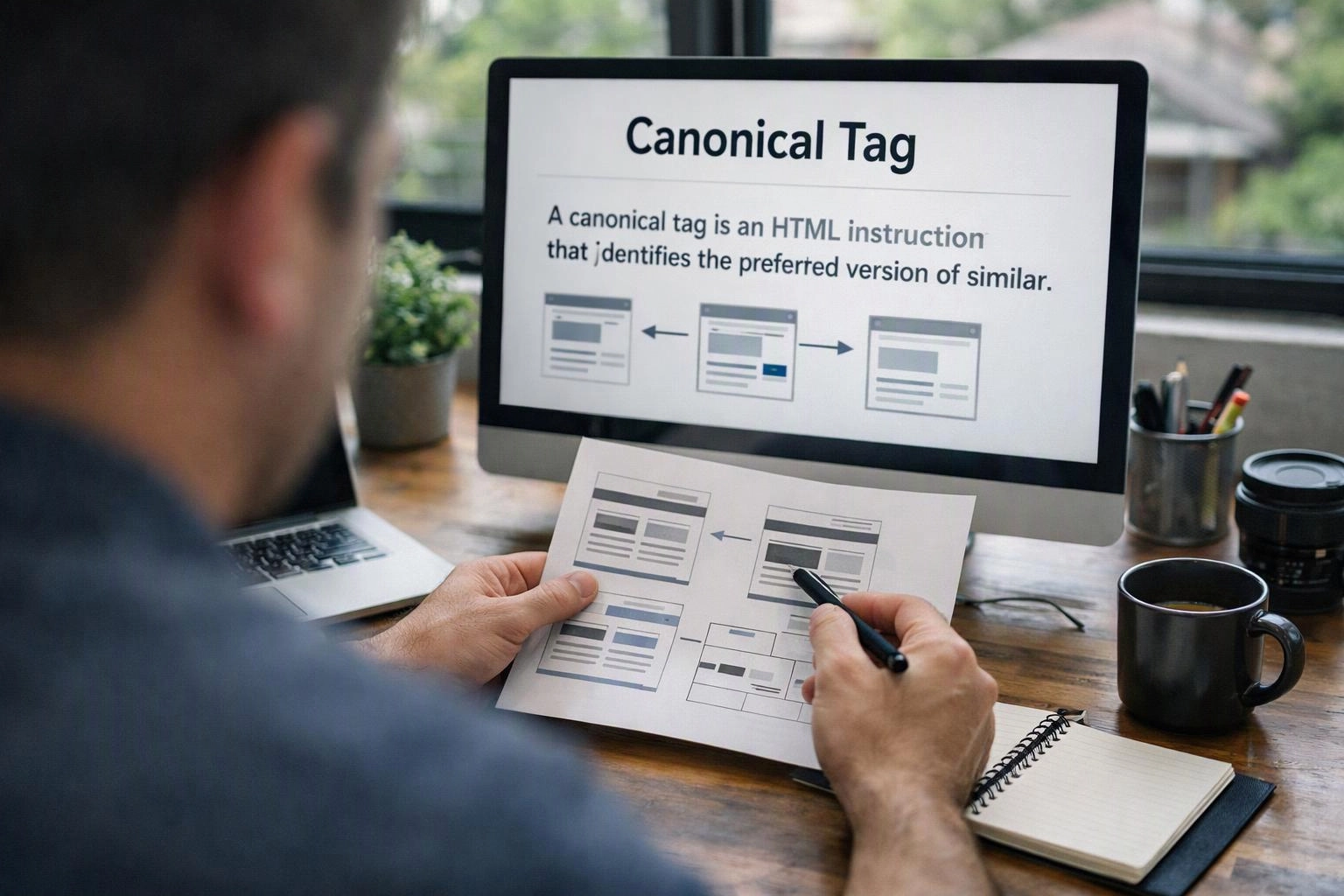
What is Canonical Tag?
Canonical Tag is an HTML link element that tells search engines which URL is the preferred version of a page when multiple pages have similar or duplicate content. It prevents indexing of duplicate URLs by signalling a canonical URL, consolidating ranking signals and avoiding split search engine visibility for the same content.
Quick Facts About Canonical Tag
Category
Technical SEO component
Used for
Duplicate content consolidation
Common confusion
Confused with 301 redirects or hreflang tags
Also called
rel=canonical, Canonical URL
Often discussed with
Technical SEO Site Improvements, On-Page SEO Audit & Fixes
Key Takeaways About Canonical Tag
- Prevents duplicate-content issues by declaring a single preferred URL.
- Uses a rel="canonical" link element placed in the page head section.
- Consolidates ranking signals to the canonical URL rather than splitting them.
- Does not force redirects and is treated as a hint by search engines.
- Incorrect use can cause loss of indexation or unintended canonicalisation.
Understanding Canonical Tag

Canonical Tag (canonical means the main URL) is a simple HTML link element. It points from a page to its preferred URL version. The tag appears in the page head as rel="canonical". It gives search engines a clear signal about which URL to index. It also tells engines which URL to show in search results. It's commonly used when the same or very similar content is on many URLs. That can happen from session parameters, sorting and filtering, or printer-friendly pages. It also happens with content syndication.
Related glossary terms: Duplicate Content, Hreflang, Sitemap XML.
The tag is a guidance mechanism rather than an absolute directive for search engines. Major search engines such as Google treat rel="canonical" as a strong hint. They still reserve the right to pick a different canonical if signals conflict. Proper implementation reduces index bloat and makes site management simpler. This helps when many URL variations are unavoidable.
How Canonical Tag Works, Is Measured, or Is Used?
Implementation requires adding a link element to the HTML head. That element must point at the canonical URL. For example rel="canonical" href="https://example.com/preferred-page". Search crawlers read that element. They usually consolidate indexing and ranking signals to the specified URL when they accept the hint. Canonical tags can point to the same domain or to cross-domain URLs when content is syndicated. Cross-domain canonicals need careful trust and consistency.
Teams measure effectiveness by watching index coverage and canonical selection in search tools. They also watch organic traffic patterns. Google Search Console reports which URL the engine chose as canonical. It shows mismatches between site intent and engine behaviour. A useful workflow is to audit duplicate-like pages and set canonical targets. Then verify via crawling tools and monitor search console reports for acceptance or overrides.
Why Canonical Tag Matters?

Canonical Tag matters because it protects a site from fragmented ranking signals. It also saves crawl budget when the same content appears at multiple URLs. By consolidating signals to one canonical URL, the page can rank better. It avoids competing with copies of itself in search results. This clarity helps search engines use crawl resources more efficiently. It also cuts the risk of irrelevant pages appearing in search results.
When the canonical tag is mismatched or missing, search engines may pick a different canonical. They may index multiple versions too. That can dilute organic visibility and make analytics harder to read. Correct canonicalisation supports clearer indexing and cleaner sitemaps. It also helps with simpler long-term site architecture decisions.
When Canonical Tag Matters Most?
Canonical Tag becomes critical on sites with many parameterised URLs. It matters for e-commerce sites with product variants. It matters for content management systems that create duplicate paths. It also matters when content is syndicated to Other domains. It matters during migrations and URL structure changes too. It helps preserve ranking signals and avoids redirect chains that slow crawling and user experience.
Put in place canonicals when redirects are not practical. Use them when multiple accessible URLs must exist for technical reasons. Use them when you need to declare a preferred URL after A/B testing or personalisation. Always check search console and crawl reports after deployment. Make sure the chosen canonical is recognised and accepted by search engines.
How to Evaluate Canonical Tag?
- Check that rel="canonical" appears in the head of the source page and points to the full preferred URL including protocol.
- Confirm the canonical URL returns a 200 status and is indexable by robots meta and robots.txt rules.
- Use Google Search Console to see which URL Google chose as canonical and look for mismatches.
- Verify there are no conflicting signals such as canonical pointing to a page that redirects or is disallowed.
- Audit similar pages for consistent canonical patterns to avoid circular or chain canonicals.
Related Concepts Compared
Canonical Tag vs. Duplicate Content
Duplicate Content is the broader issue of repeated or very similar content across URLs, whereas Canonical Tag is a technical signal used to indicate which of those URLs should be treated as primary.
Canonical Tag vs. Hreflang
Hreflang tags direct search engines to language or regional variants of content, while Canonical Tag selects the preferred version among duplicates and does not control language targeting.
Canonical Tag vs. Sitemap XML
Sitemap XML lists URLs for crawling and can include the preferred pages, whereas Canonical Tag specifies the preferred URL at page level and directly influences indexing decisions.
Expert Note
Use canonical tags consistently and test them with search console tools because search engines may override incorrect signals. Prefer self-referencing canonicals and avoid pointing canonicals to pages that redirect or block bots.
Common Mistakes or Myths About Canonical Tag
- Pointing canonicals to redirecting URLs rather than the final URL.
- Using relative URLs inconsistently which creates ambiguous canonical targets.
- Relying on canonical tags alone when a redirect would be more appropriate for permanent moves.
- Omitting self-referencing canonical tags which makes detection harder for crawlers.
Canonical Tag in Practice: A Real-World Example
A retailer has the same product accessible at different URLs for colour and sort order. Adding rel="canonical" on each variant to point at the main product page tells search engines to treat the main page as the canonical URL and combine ranking signals there.
Sources & Further Reading on Canonical Tag
- Consolidate duplicate URLs with canonicalisation - Google Search Central
- Link types and the rel attribute - WHATWG HTML Living Standard
Related Terms
Duplicate Content
Duplicate Content is text that is the same or very like on more than one web…
Hreflang
Hreflang is an HTML attribute and link signal that tells search engines which language and regional…
Sitemap XML
Sitemap XML is a machine-readable XML file that lists a website's URLs and metadata to guide…
Indexability
Indexability is the property of a web page or resource that determines whether search engines can…
SeoAgencyBrisbane
Have Questions About Canonical Tag?
Contact SeoAgencyBrisbane for practical guidance on Canonical Tag and related seo agency work in South Brisbane.